

In this digital age, the security of your mobile device is as crucial as the security of your personal information. This is where Google Play Protect comes into play. Google Play Protect is a security feature that is built into every device with Google Play at its core. It uses machine learning to scan and verify over 50 billion apps every day, keeping your device, data, and apps safe.
What is Google Play Protect?
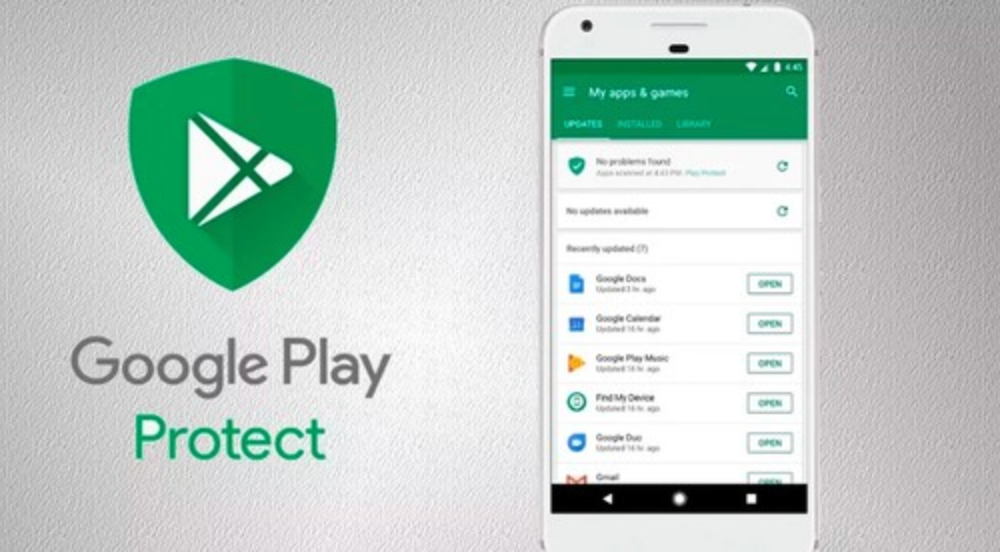
Google Play Protect is a security service provided by Google for Android devices. It's designed to provide real-time malware protection and to ensure the safety of your data. Google Play Protect continuously works to keep your device, data, and apps safe.
How does Google Play Protect Work?
Google Play Protect works by scanning every app on the Google Play Store before you download it. The app continues to receive automatic scans even after installation, which helps in ensuring that even if the app becomes harmful after the initial security check, it does not affect your device or data. Google Play Protect is always updating, and so it stays ahead of those harmful apps.
Features of Google Play Protect
Real-time malware protection: Google Play Protect scans your apps in real-time to ensure they are safe and haven’t been altered.
Find My Device: This feature helps you locate, ring, or wipe your device if it's lost.
Safe Browsing: Google Play Protect warns you when you're about to visit a risky site.
How to Check Your Device for Harmful Apps with Google Play Protect
Google Play Protect is automatically enabled on your Android device, but you can check your device for harmful apps manually. Follow the steps below:
- Open the Google Play Store app.
- Tap Menu and then Play Protect.
- Look for information about the status of your device.
Enhancing Your Android Security with CleanSlate
While Google Play Protect does a great job of securing your device, you can further enhance your Android security using third-party applications like CleanSlate. CleanSlate is a comprehensive data privacy application that ensures your data stays private and secure. Learn more about CleanSlate here.
FAQs
What does Google Play Protect do?
Google Play Protect is a security service provided by Google for Android devices. It offers real-time malware protection and ensures the safety of your data.
How can I check my device for harmful apps with Google Play Protect?
You can check your device for harmful apps by opening the Google Play Store app, tapping Menu and then Play Protect, and checking the status of your device.
Can I enhance my Android security beyond Google Play Protect?
Yes, you can further enhance your Android security using third-party applications like CleanSlate, which is a comprehensive data privacy application.


